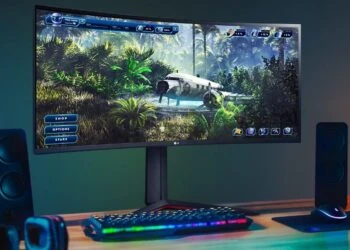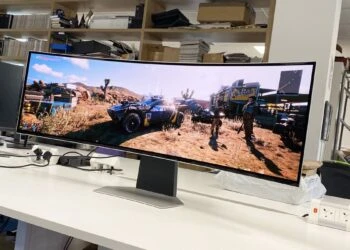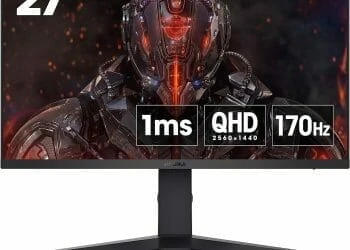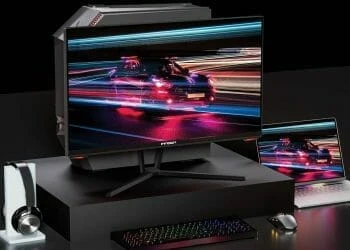

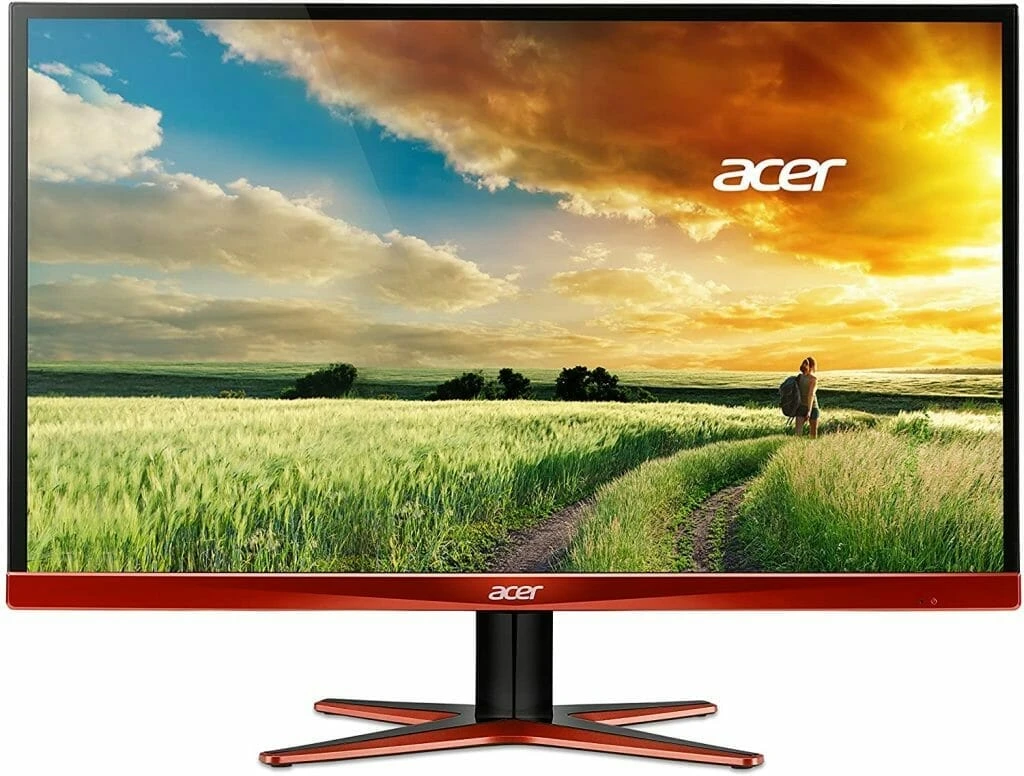
Monitors like the Acer XG270HU omidpx with anti-tearing technology and fast pixel response will make playing your favorite PC games more enjoyable. In addition to AMD’s FreeSync anti-tearing technology, this monitor features a fast 1ms pixel response, and a 144Hz refresh rate to provide smooth, artifact-free gaming performance.
It’s a 27-inch Twisted Nematic (TN) panel, meaning it doesn’t offer wide viewing angles compared to IPS panels, but it still delivers a sharp 2,560-by-1,440 (WQHD) picture, alongside advanced color settings. Middling color accuracy and so-so grayscale performance hold the Acer XG270HU omidpx from joining its peers in our Best Gaming Monitors list.
The Acer XG270HU is also missing a few key features, such as USB ports, dual HDMI ports, and a fully adjustable stand, that you find in more expensive models, like our Editors’ Choice for mid-size gaming monitors, the LG 27GN800 gaming monitor.
Acer XG270HU omidpx Specs
- Resolution: 2560 x 1440,1440p
- Display Size: 27-inch, TN
- Response Time: 1ms
- Refresh Rate: Up to 144Hz
- Ports Input: DVI-D, HDMI, DisplayPort
- Speakers: Built-in 2 Watts
- Contrast Ratio: 1000:1
- Adaptive Sync: AMD FreeSync
- Others: Tilt Adjustable
Design and Features
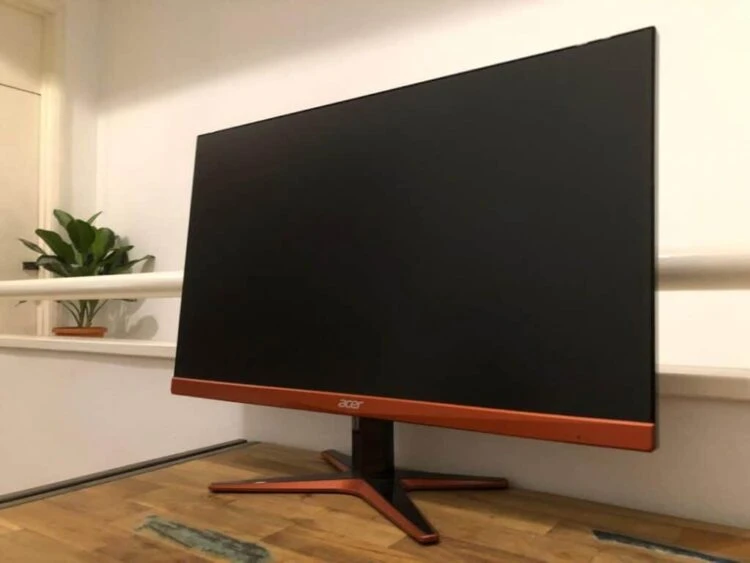
Everything from the metallic-copper trim to the glossy black cabinet and the frameless design leaves little doubt that the Acer XG270HU is a gaming monitor. The 15-inch cabinet is supported by an X-shaped stand that offers 20 degrees of tilt (5 forward, 15 backward), but lacks height, swivel, and pivot adjustments. The screen has a peak brightness of 350cd/m2, a 16:9 aspect ratio, a 1,000:1 native contrast, and a non-reflective, anti-glare coating.
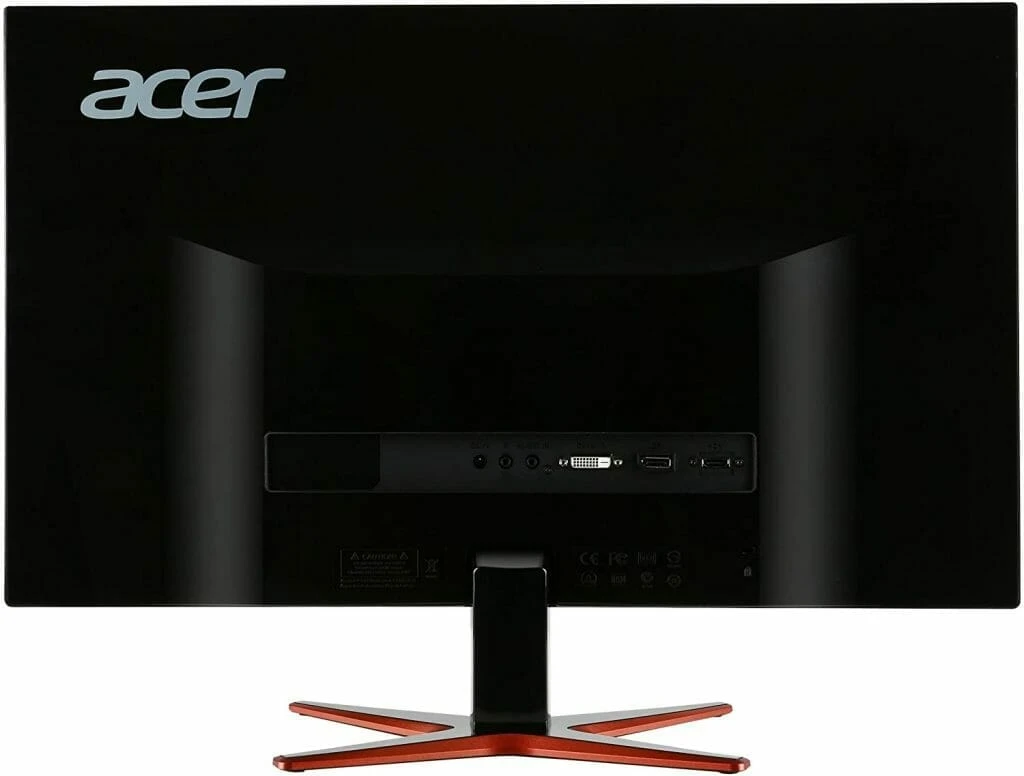
As mentioned, this monitor doesn’t get any USB ports, but you get three video inputs: one HDMI 2.0, one DisplayPort 1.2, and one DVI. All ports are located at the back, facing outward. In the same location, there’s an audio input and a headphone jack. The monitor’s 2-watt speakers are moderately loud, but they lack bass.
There are six buttons located on the right side of the cabinet, that are used to power up the monitor and navigate the settings menus. The same buttons are used as hotkeys for selecting one of five picture presets (Standard, Movie, Graphics, ECO, and User) and adjusting brightness. In addition to the above-mentioned picture preset and Brightness settings, you can as well adjust the monitor’s Contrast, Gamma, Sharpness, and Color temperature levels.
For advanced picture settings, the Acer XG270HU omidpx gets the same advanced 6-Axis Saturate and 6-Axis Hue Color adjustments that you get with the Acer Predator XB271HU bmiprz. If you’re a gamer who likes to put in long hours, the Acer XG270HU comes with four Low-Blue-Light settings to help minimize eye strain, but this particular model lacks the crosshair-aiming reticles present in Acer’s Predator line of gaming monitors.
Performance
[amazon box=”B00VRCLHYS” template=”horizontal”]
The XG270HU omidpx shines when it comes to gaming performance, especially at this price range, thanks to its speedy pixel response and refresh rate. When playing Crysis 3 (PC) and Grand Theft Auto V (PS4), the monitor doesn’t suffer from any blurring or ghosting. Also, the fast action was fluid and free of any discernible screen tearing with FreeSync disabled. With FreeSync enabled, the monitor produces an even smoother picture. This is almost the same performance you get with both LG 27GN800-B and the Acer Nitro XV272U gaming monitors.
The Acer XG270HU has a 23ms input lag (the time it takes for a monitor to react to a controller command), which is a bit long for a gaming monitor. The BenQ XL2430T leads the pack with a very short 9.5ms input lag.
The monitor’s out-of-the-box color accuracy is decent, but not ideal – its red and blue colors are slightly misaligned with their ideal CIE coordinates when tested on a chromaticity chart. Also, the green is completely outside its standard coordinates, which is a common issue among TN panels. Fortunately, none of these colors is whack to cause picture to appear oversaturated, and you can bring them into alignment using the 6-Axis color settings.
Verdict
The Acer XG270HU is a great choice if you’re a gamer who wants a 27-inch gaming monitor that provides smooth action and looks good doing it. It features a 144Hz refresh rate and a 1ms pixel response to curb motion blur and ghosting, in addition to supporting AMD’s FreeSync technology which eliminates screen tearing and provides a butter-smooth picture.
That said, the TN panel’s color accuracy is slightly skewed in testing, and as ever with TN panels, its grayscale and viewing-angle performance are less than stellar.
For around the same price, the LG UltraGear 27GL83A-B offers better value with its 27-inch (2560 x 1440) IPS display, 1ms response time, 144Hz refresh rate, Nvidia G-Sync support, and a stand with good ergonomics.
However, if you’re on a tight budget and don’t fancy extras like USB inputs and an ergonomic stand, the Acer XG270HU omidpx is a beautiful, decent piece of kit that will get you enjoying your PC games smoothly.
The Review
Acer XG270HU omidpx
The Acer XG270HU is a sharp-looking 27-inch gaming monitor that uses AMD FreeSync technology to deliver buttery gaming performance at a lower price than most competitors out there.
PROS
- Sleek design
- Sharp WQHD image
- AMD FreeSync enabled
- Good gaming capability
- Speedy refresh rate
CONS
- Tilt-only stand
- Narrow viewing angles
- No USB ports
Review Breakdown
-
EDITORS RATING