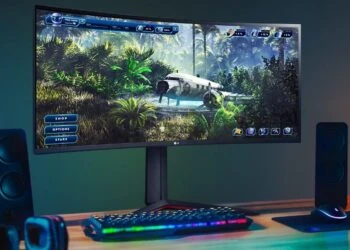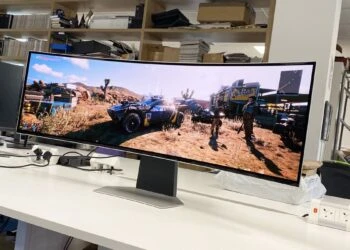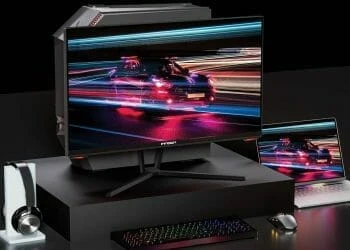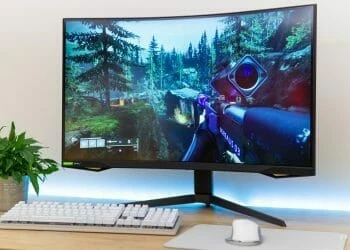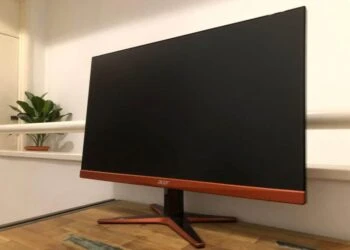

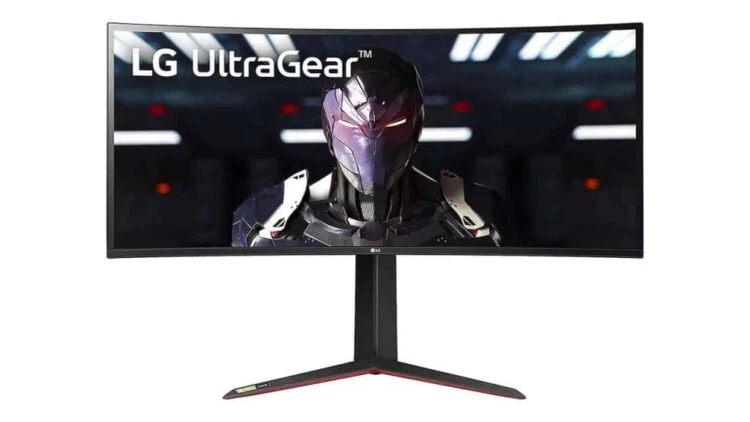
The LG 34GP83A-B is the company’s latest ultra-wide gaming monitor, and with a huge 34-inch screen, QHD (3440 x 1440) resolution, 1ms Nano IPS panel, 144Hz refresh rate, G-Sync support, and a plethora of other features, it is certainly one of the best gaming monitors you can buy right now.
With the PS5 and Xbox Series X falling off the shelves (hope you’ve managed to score a unit), gaming at 4K is likely to become more popular than ever before. However, for PC gamers, there’s an alternative to beat the PS5 adrenaline rush: ultra-wide 21:9 aspect ratios. For many of us, monitors with the ultra-wide aspect ratio offer a more immersive gaming experience than what you’d ordinarily experience in a 16:9 4K panel.
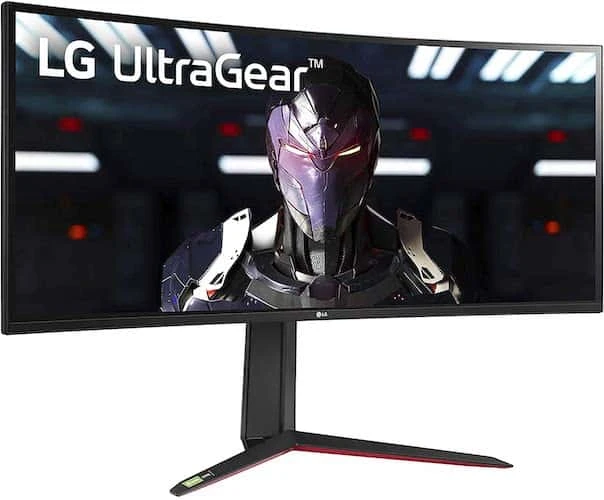
And, while the 3440 x 1440 resolution on the UltraGear 34GP83A-B doesn’t quite match that of 4K (3840 x 2160), it’s not too far off – and it simply means you can get better gaming performance, especially with lower-end PC cards.
That extra breathing room lets you take advantage of the 144Hz refresh rate, and deploy demanding graphics options and settings, without sacrificing too much in way of pure image quality.
Design
The LG 34GP83A-B is an ultra-wide monitor with a huge screen, packing a huge array of gaming-specific features, and it looks outright like one, but it comes at a price. But the design and features depict the fact that LG has cut out to justify the price tag.
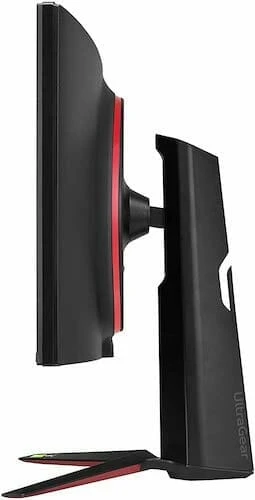
For the most part, the design does. This is a truly impressive gaming monitor. As we’ve come to expect of LG, the base design of the UltraGear 34GP83A-B is eye-catching and similar to other UltraGear models. It sports the signature ‘virtually borderless’ bezels, which are very thin for sure.
It is a big monitor that will dominate even the largest desks, but the thin bezels ensure that you immerse yourself in the actual screen, rather than a boring build. Those thin bezels also help to give the 34GP83A-B a modern look, and you may not easily tell it apart from its 38-inch sibling, the LG 38GL950G-B gaming monitor.
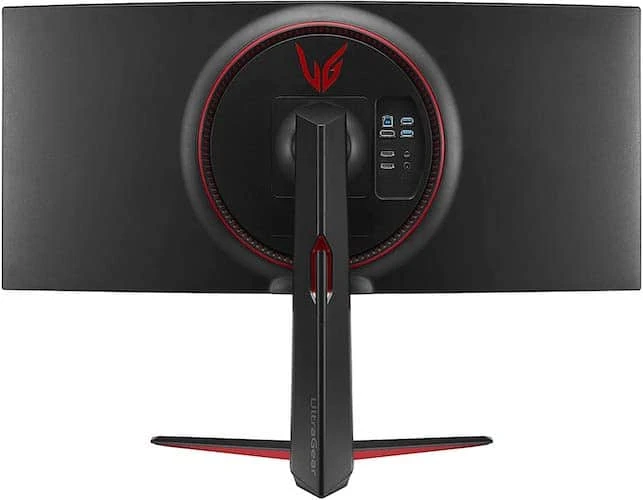
Around the back of the UltraGear 34GP83A-B, you’ll find a series of LEDs that can sync with music or visual effects – LG calls them Sphere Lighting 2.0, but it’s basically a system similar to the Ambilight feature on Philips TVs. It’s a great addition, and you’ll find it more useful in the dark as more light is thrown onto the wall behind the monitor. The light sequence can be tweaked in the settings using the LG UltraGear Control Center software.
Ports
Port selection is excellent, even with the lacks of a USB-C port and Thunderbolt that are becoming standard in the high-end PC monitor industry.
Still, the available port options are excellent, including two USBs (including an upstream USB port for connecting to your PC), two HDMI, a DisplayPort, and an audio jack. All these ports are easily accessible on the rear of the monitor – we found the location much more convenient than having them on the bottom.
Performance
With a 3440 x 1440 resolution, a sprawling 21:9 aspect ratio, and a 34-inch screen size, the LG 34GP83A-B delivers generous space in which to work and play, just like the LG 34UC80-B that’s designed for professional creatives. For day-to-day use in Windows 10, you can comfortably have multiple windows and apps open at once, and the comfy curve of the screen results in less strain when viewing it from its edges.
Certainly, productivity is unlikely the reason you’re investing in the UltraGear 34GP83A-B – it’s a gaming monitor after all. In that regard, it doesn’t disappoint at all. The 21:9 ultra-wide aspect ratio offers the ultimate ‘wow’ factor. It makes you feel like you’re playing your games at a cinema, and by spanning the entire field of view of a player, you get to enjoy immersive experiences, as well as a tactical advantage on fast-paced games.
For gaming, the LG 34GP83A-B has a few more tricks up its sleeves to ensure it delivers a punch in gaming. A 1ms response time, G-Sync and AMD FreeSync Premium compatibility, and a fast refresh rate of 144hz, all elevate this monitor to a gaming dynamo in this category.
Combined, these features have a huge impact when gaming, especially when playing frantic, fast-paced modern titles. For instance, Doom Eternal played at 144Hz results in an engrossing and enjoyable experience, especially when you tear through demons in silky-smooth action, without a hint of screen tearing. For a fact, it’s impressive, and it will not be easy to revert back to 60Hz monitors.
The monitor’s image quality is great, and we appreciate that LG did a fantastic job to deliver such quality at this price range. As mentioned earlier, this is a great monitor that you can use for work; but with DCI-P3 98% color gamut support, it is also a perfect option for photographers and video editors, for who accurate color reproduction is all-important.
The monitor uses an IPS nano panel and is also HDR-enabled, meaning you don’t miss on anything that requires the reproduction of a decent HDR image.
Verdict
Overall, though, the LG UltraGear is an exquisite gaming monitor, one that delivers an excellent combination of speed, responsiveness, an immersive 21:9 aspect ratio, and great image quality. It’s not very cheap (at least for a monitor), but the price is justified by the robust feature set and impeccable image quality.
If you’ve built or purchased a killer gaming rig and want an ultra-wide curved monitor to match, you’ll definitely find the LG 34GP83A-B a worthy investment.
The Review
LG 34GP83A-B
The LG 34GP83A-B is an exquisite gaming monitor, one that delivers an excellent combination of speed, responsiveness, an immersive 21:9 aspect ratio and great image quality.
PROS
- 144Hz refresh rate
- Super-responsive panel
- Large screen
CONS
- Expensive
- Can be too wide for some
Review Breakdown
-
EDITORS RATING